

MakoShark2
Active member
About the charging power, just came across this in BRP Go's FAQ page:
If an Android phone is being used, make sure the following permissions have been enabled in your phone’s settings:
In:
 can-am.brp.com
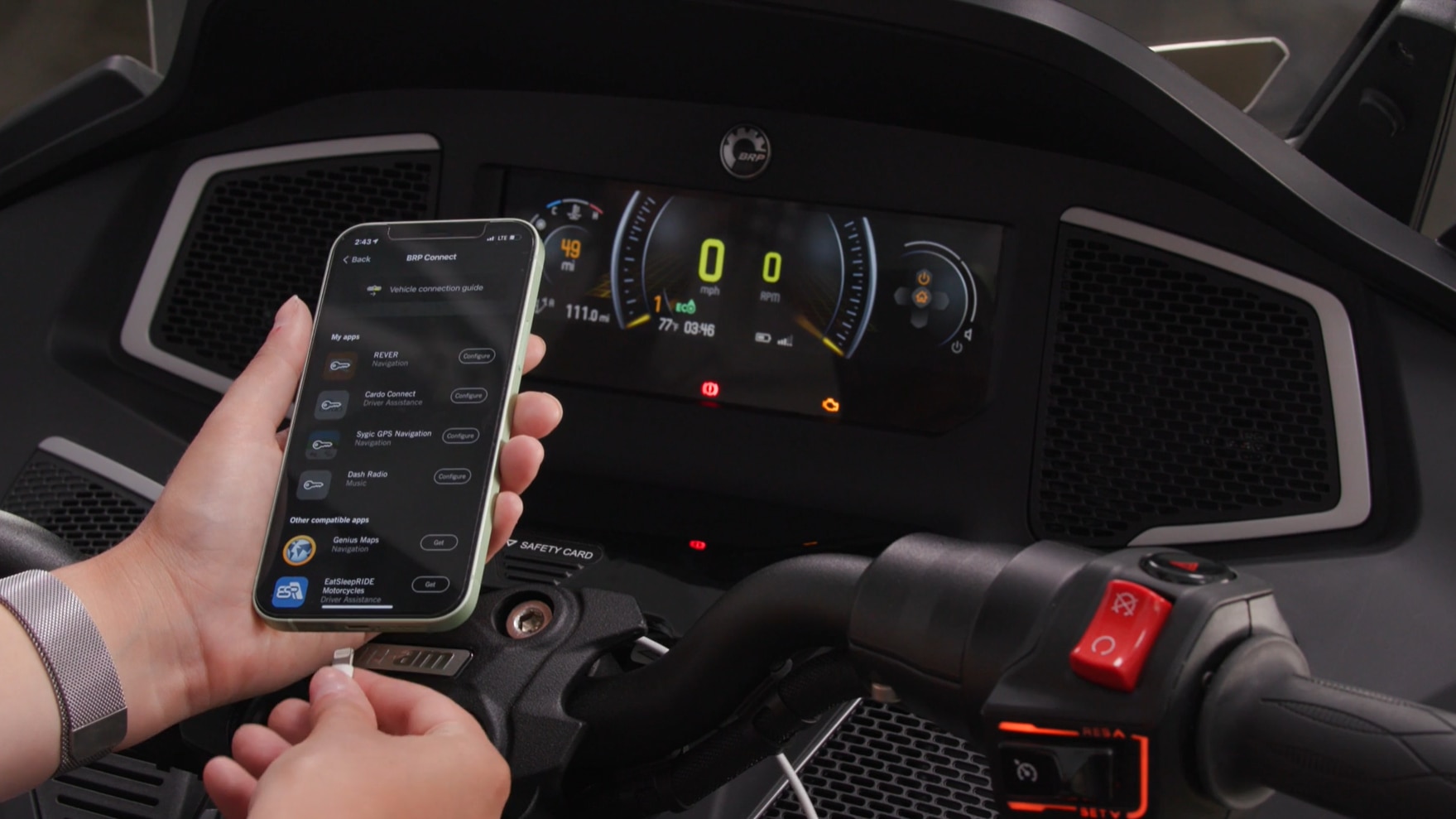
SHOULD I USE A SPECIFIC USB CABLE TO CONNECT BRP GO! TO MY VEHICLE’S 10.25″ TOUCH DISPLAY?
Yes. Recommended cable stats: USB 2.0 or higher, supports 3 amps, offers a data transfer speed of at least 480 Mbps, and is no more than 6 inches long.If an Android phone is being used, make sure the following permissions have been enabled in your phone’s settings:
- Appear on top (Settings > Apps > BRP GO! > Appear on top > On)
- Nearby devices & Phone (Settings > Apps > BRP GO! > Permissions)
In:
BRP GO! FAQ - Can-Am On-Road
Get answers about the BRP GO! app for 3‑wheel and electric motorcycle riders, setup, features, troubleshooting, and more in our frequently asked questions.
can-am.brp.com


