• There were many reasons for the change of the site software, the biggest was security. The age of the old software also meant no server updates for certain programs. There are many benefits to the new software, one of the biggest is the mobile functionality. Ill fix up some stuff in the coming days, we'll also try to get some of the old addons back or the data imported back into the site like the garage. To create a thread or to reply with a post is basically the same as it was in the prior software. The default style of the site is light colored, but i temporarily added a darker colored style, to change you can find a link at the bottom of the site.

Here's my Can-Am-pedia - I hope it helps to collect and share info about the Can‑Am On-Road universe.

MakoShark2

Member
For a few years now I’ve been maintaining a personal blog about travel routes (mostly in Portugal and Spain), a Can‑Am Spyder logbook, and other related information.

There’s a section called Can‑Am‑pedia, which is essentially a very detailed collection of information (history, models, specs, brochures, facts) about the Can‑Am On-Road universe.

I try to keep the page updated and, most likely, some information here and there will be wrong or outdated (if anyone finds anything, please report it so I can fix it).
Still, it’s the result of a considerable effort, with the sole purpose of gathering factual information for others.

I hope it can be useful for anyone who is looking for information.

Best regards,
Daniel Santos.
 
For a few years now I’ve been maintaining a personal blog about travel routes (mostly in Portugal and Spain), a Can‑Am Spyder logbook, and other related information.

There’s a section called Can‑Am‑pedia, which is essentially a very detailed collection of information (history, models, specs, brochures, facts) about the Can‑Am On-Road universe.


I try to keep the page updated and, most likely, some information here and there will be wrong or outdated (if anyone finds anything, please report it so I can fix it).
Daniel -

I've only looked at the Spyder section, but I'm very impressed by the amount of information, but I did notice an error.

In the Instrumentation page's "4th Generation (2024…)" section the sub-sections on Connectivity and Navigation you mention BRP Connect and BRP GO!.

Those don't work with the 2024 displays of the Spyders and Canyons. The details are on this page on the CAN-AM website:


In the section "THE BRP GO! APP CAN BE USED ON WHICH VEHICLE DISPLAYS?":

BRP GO! can be used on:
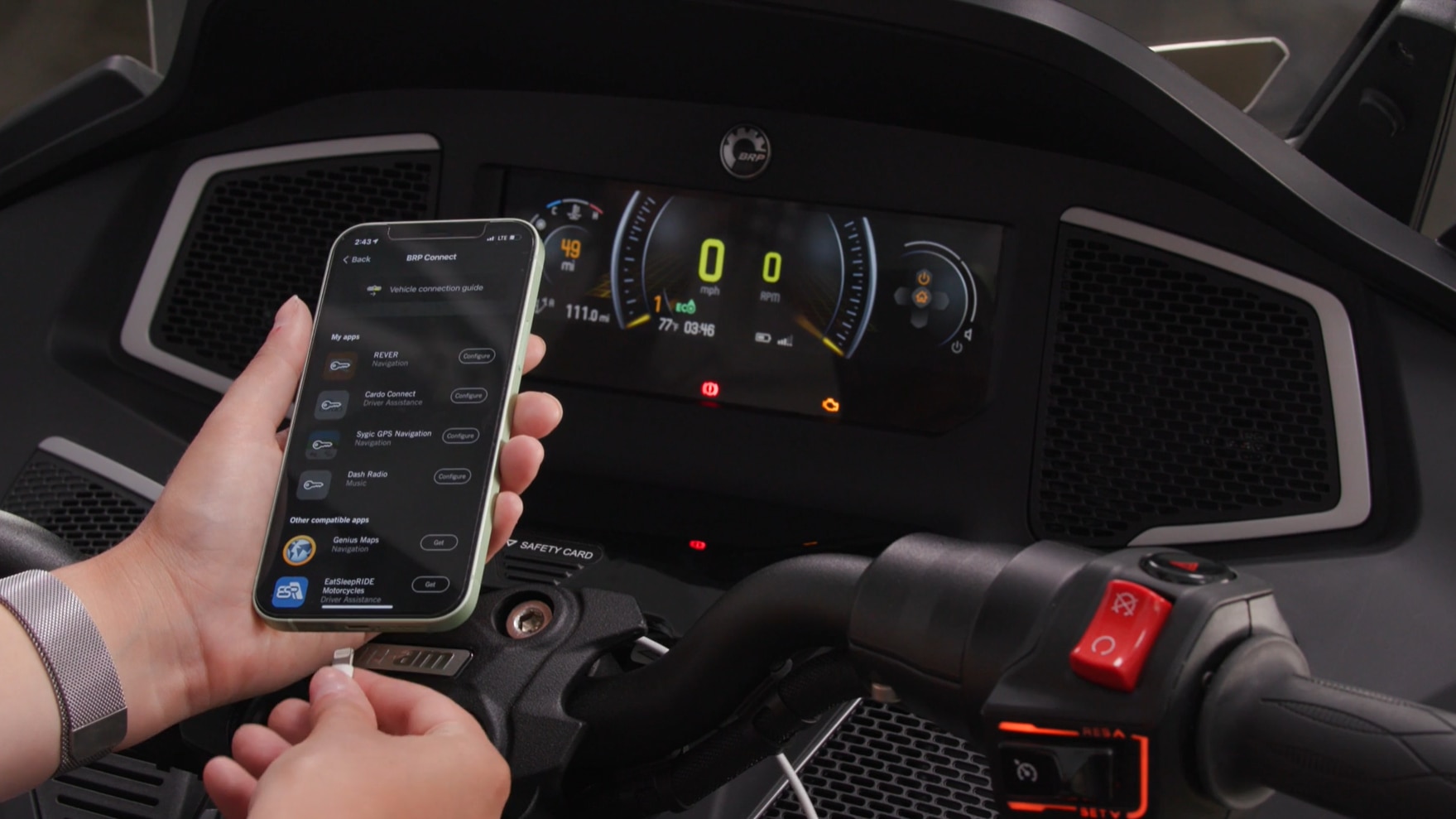
- The 7.8" display of 3-wheel vehicles: When BRP GO! is connected to the display, you can use select compatible apps on the vehicle display (through screen mirroring).
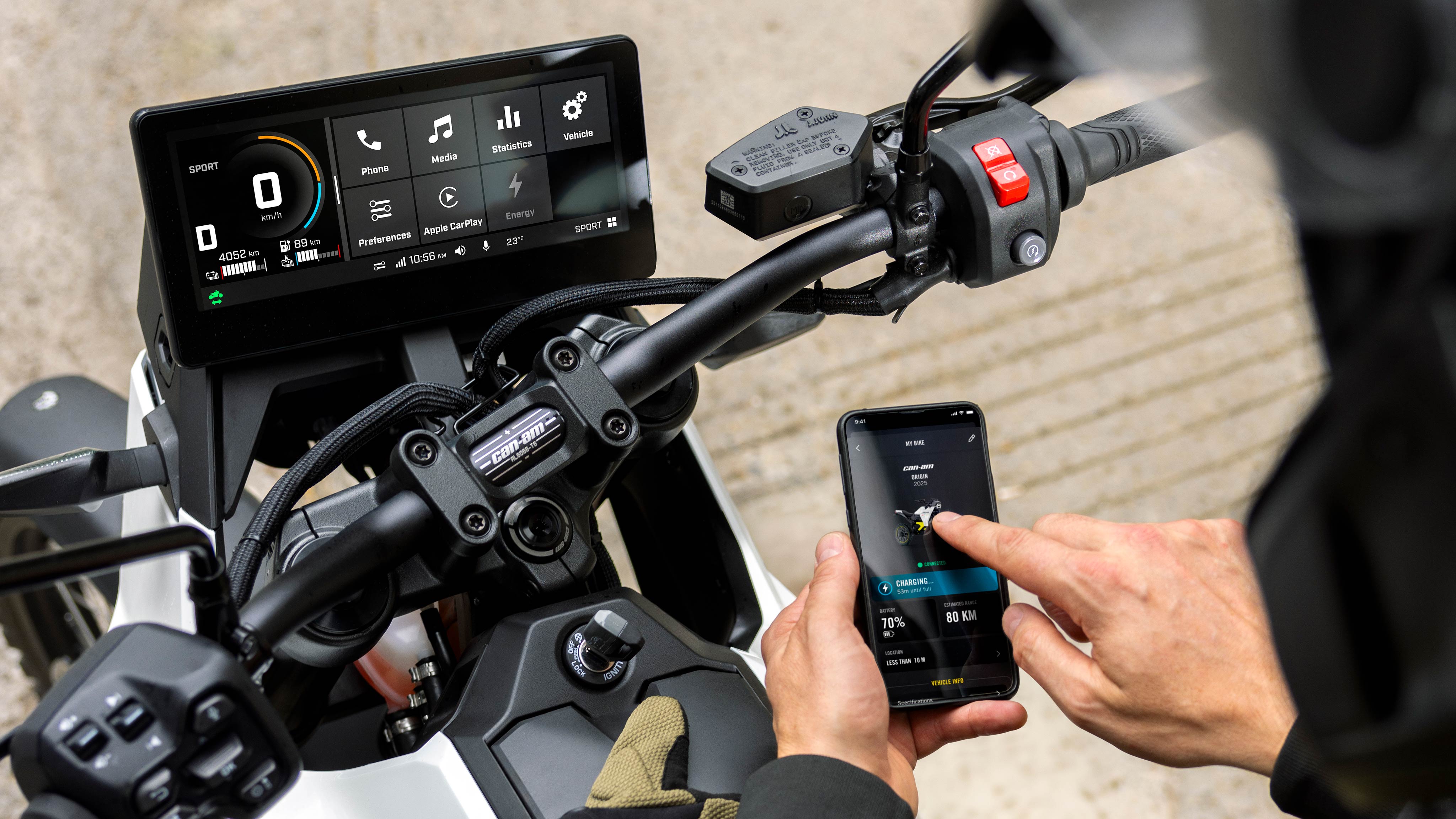
- The 10.25" display of electric motorcycles: When BRP GO! is paired with the display, it will offer vehicle information of your Can-Am electric motorcycle right from your phone

*For the 10.25" display of 3-wheel vehicles, Apple CarPlay replaces the screen mirroring features of the BRP GO! app.

So the 2024 and later Spyders and Canyons use Apple CarPlay.
 
Daniel -

I've only looked at the Spyder section, but I'm very impressed by the amount of information, but I did notice an error.

In the Instrumentation page's "4th Generation (2024…)" section the sub-sections on Connectivity and Navigation you mention BRP Connect and BRP GO!.

Those don't work with the 2024 displays of the Spyders and Canyons. The details are on this page on the CAN-AM website:


In the section "THE BRP GO! APP CAN BE USED ON WHICH VEHICLE DISPLAYS?":


So the 2024 and later Spyders and Canyons use Apple CarPlay.

Thanks! I really thought BRP Connect/GO was fully supported for navigation… From what I’ve been able to find out (I own a 2018, so no big screen for me), there is native navigation in the instrument cluster, but it’s very basic.

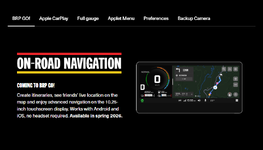
I believe a significant update is coming this Spring to enable turn‑by‑turn navigation, so maybe that’s when BRP Connect/GO will be fully supported.

Thank you very much for the feedback - I’ll correct it!
 
Last edited:
Great write up. I noticed that on the display page that you have the RT (2010 to 2012) using the RS/GS gauge cluster. The RT used the 2nd gen cluster on those years. Bruce
 
Great write up. I noticed that on the display page that you have the RT (2010 to 2012) using the RS/GS gauge cluster. The RT used the 2nd gen cluster on those years. Bruce

Thanks, you are right, should be F3.

I've corrected this and updated the descriptions, I believe the gauge cluster was used up until 2018 on the F3/F3-S, except F3-S sold outside USA which came with the hybrid cluster from 2018 (mine is a 2018 and has it)... If someone could confirm this.
 
After some searching it's listed on BRP's website. Support for BRP GO! is still coming.

Interesting. That would require a software update for our bikes in the next couple of months.

I just checked the Apple App Store using my iPhone for the BRP GO! app.
There was a new Version 4.1.1 posted a week ago.
It says the update added the ability to save a custom waypoint at any time, and some bug fixes and performance improvements.

There's a section that describes how wonderful the updates are and mentions added features for riding on water (SeaDoo), and on your snowmobile (SkiDoo), and then mentions on road driving and using the BRP Connect technology to connect to your Spyder's 7.8" display to "...enjoy a range of on-road GPS navigation apps."

Further down, there's a section BRP CONNECT TECHNOLOGY which ends by saying it's '...available on the 7.8" LCD display and 10.25" touchscreen display available on select models.'

Thanks! I really thought BRP Connect/GO was fully supported for navigation… From what I’ve been able to find out (I own a 2018, so big screen for me), there is native navigation in the instrument cluster, but it’s very basic.

I believe a significant update is coming this Spring to enable turn‑by‑turn navigation, so maybe that’s when BRP Connect/GO will be fully supported.

Thank you very much for the feedback - I’ll correct it!

BRP GO! is the app that runs on your phone.
BRP Connect is the software on the bike.

Once it's connected you can use a variety of navigation apps. The supported apps are listed on this page, under the "COMPATIBLE APPS" section:


That app listing does start by saying they're only for the 7.8" display on the older bikes.
 
Back
Top