• There were many reasons for the change of the site software, the biggest was security. The age of the old software also meant no server updates for certain programs. There are many benefits to the new software, one of the biggest is the mobile functionality. Ill fix up some stuff in the coming days, we'll also try to get some of the old addons back or the data imported back into the site like the garage. To create a thread or to reply with a post is basically the same as it was in the prior software. The default style of the site is light colored, but i temporarily added a darker colored style, to change you can find a link at the bottom of the site.

Conflicting pairing instructions for Android Phones - is there a specific sequence that works? Or just don't??

Handydan

New member
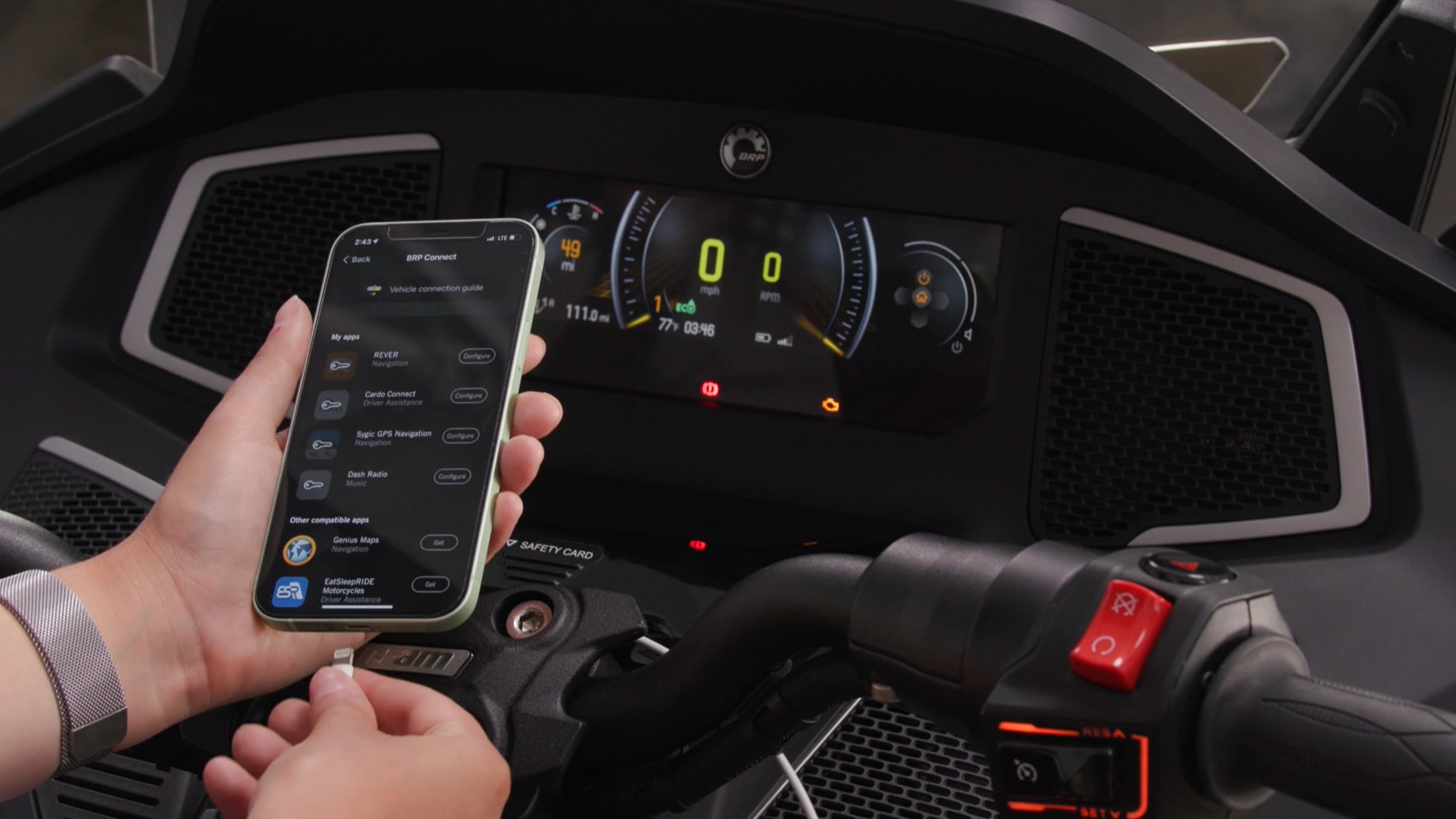
Okay, Here's the "Rub", 2026 RT S2S, 4 weeks old (for update specs) I see in the supplied owners manual that I am to Bluetooth connect my Phone (Samsung 23+) and helmet speaker system (Caro PackTalk Edge V2 or Gen2) to Spyder's 10.25 Screen using "Preferences". I have tried this routine multiple times while attempting to use the BRP GO app for maps sakes and something usually does not re-connect properly upon re-starting the bike, even locking up the motorcycle screen entirely. A Google search specifically states that you should NOT Bluetooth connect your phone nor helmet set to bike, that Cardo connects to Phone only and Phone to bike via glovebox USB connection, Conflict of information!!!

Can anyone with real life experience on this shed some light on this conundrum.

Thanks
 
Unless there was an update I'm unaware of, Android Auto does not work with the Spyder at all. Only Apple Car Play.
It seems to be a problem for a lot of bikes, not just the Spyders.
Personally, I don't try anymore. I connect my phone and Cardo and leave the bike out of the loop. Some battles are not worth the headaches.
 
Thanks for the reply but I do understand no android auto, however, I'm asking if there is a specific sequence of connections and/or don't bluetooth this but do bluetooth that. You said you bluetooth your Cardo to your phone and call it a day and perhaps that's all I can expect, thanks.
 
There's no reason to pair your Android phone to your Spyder, since the Spyder won't communicate with an Android phone.
Just pair your Cardo to the phone.
 
From what I’ve read the V 5.1.0 release for 10.25” display equipped Spyder’s is supposed to support Android phones connecting to the Spyder when using the updated BRP Go! app.

Now, what combination or permutation of USB and Bluetooth needs to be set up, and where the helmet needs to be paired for spoken directions, if there are spoken directions who knows for sure?

My guess is if I had a 2024 or new bike withe the new 10.25” display I would update the firmware via your home WiFi and remove and reinstall the BRP Go! app on your phone to ensure you have the right version.

With a USB cable proven to actually be an actual data cable, not a power charging cable, I would then drop by my dealer and ask them how do you set it up.

Frankly, even with an iPhone, I don’t use CarPlay. I just use a USB power cable from the bike to my iPhone and pair my drivers helmet to the phone. It’s just easier this way and with voice level directions out on the open road I usually don’t need to see a larger map display to know where I’m going.
 
Back
Top